
Promoters · Getting started
Create a promoter account
A promoter account gives your events a public promoter identity. Connect Stripe when you want to sell paid tickets and receive payouts.
- Sign in to Submerge.You need a regular Submerge account before you can create a promoter account.
- Open Account Settings.Open your profile menu, then choose Account Settings.
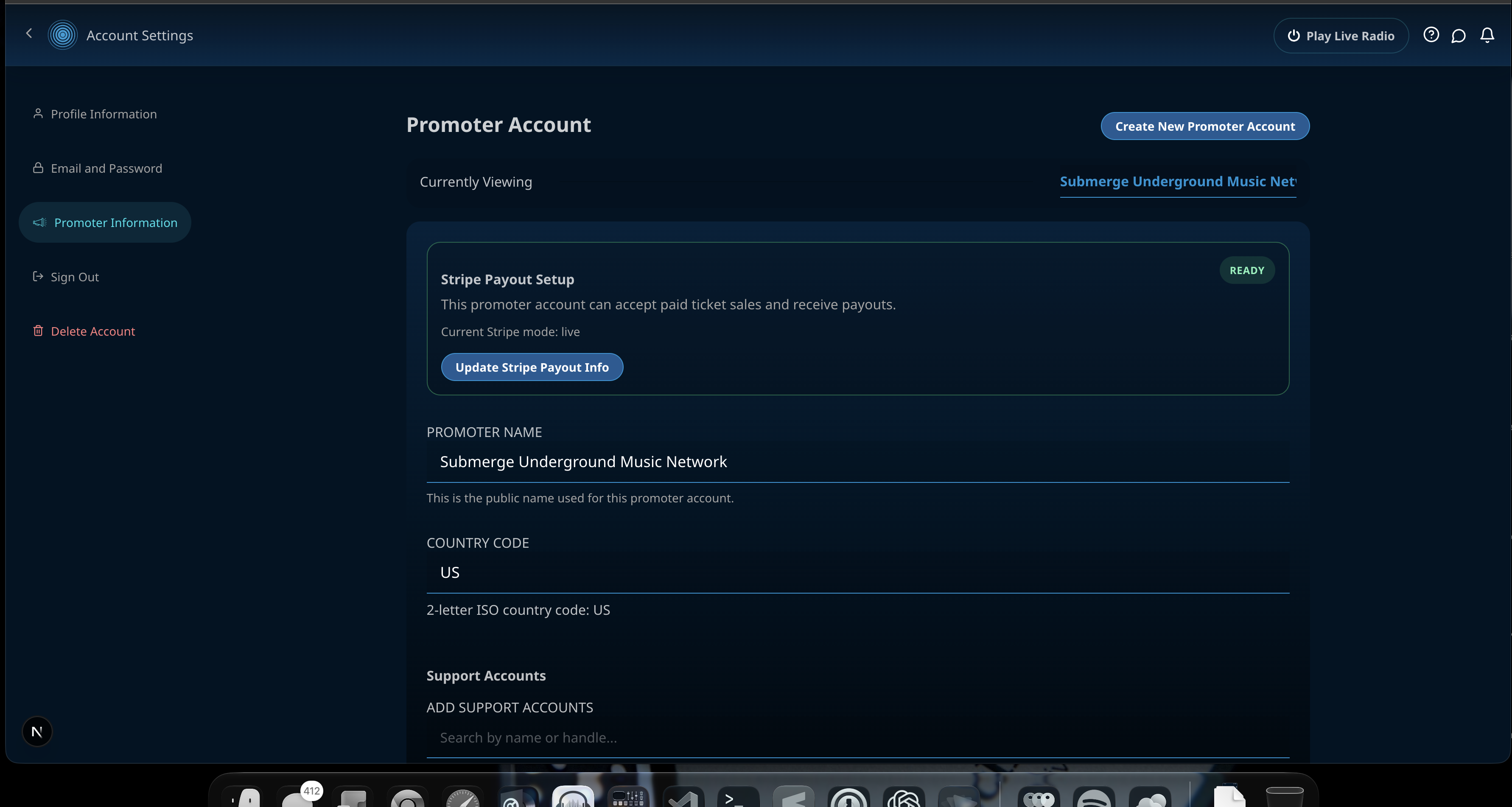
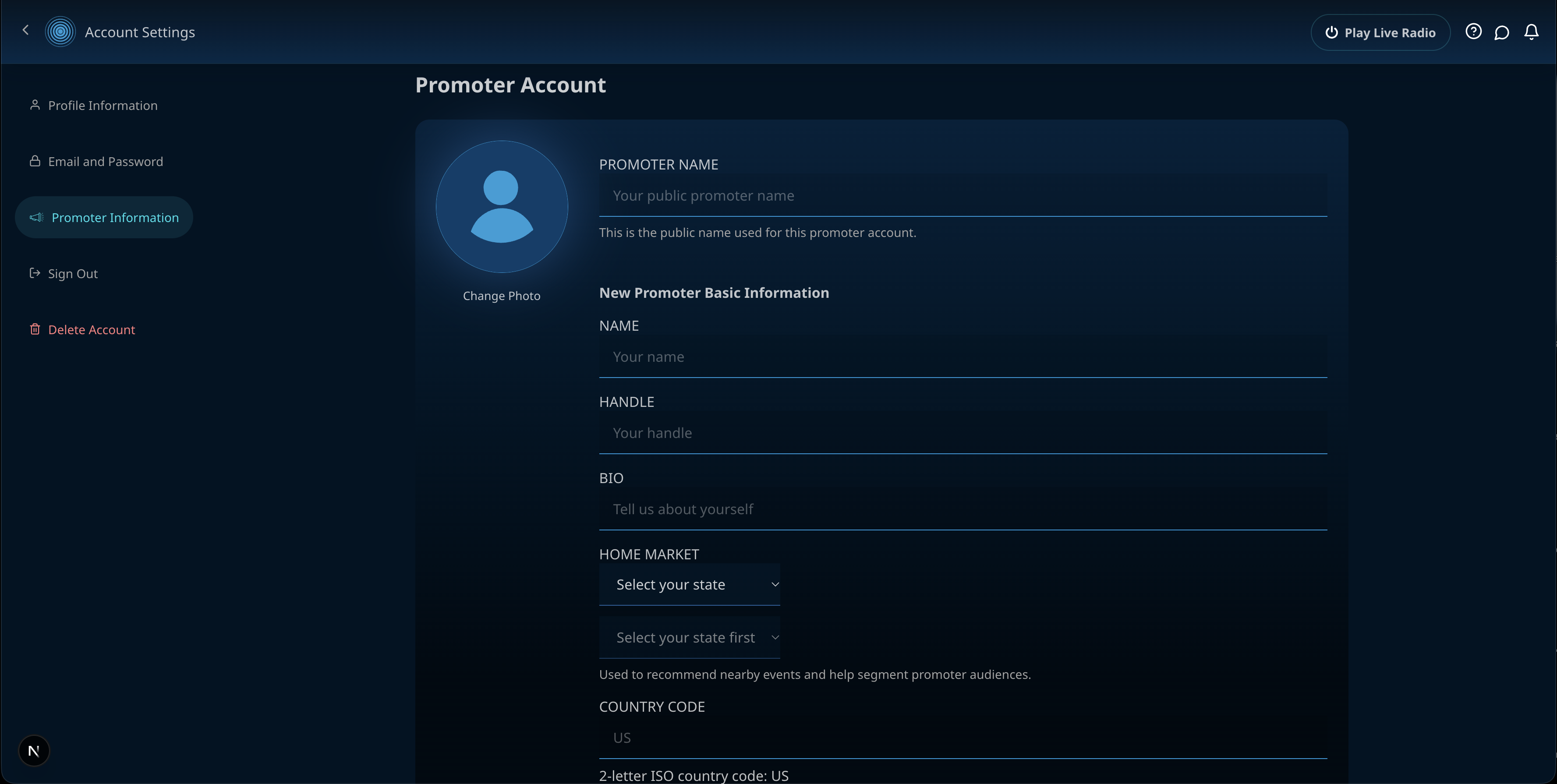
- Select Promoter Information.Choose Create New Promoter Account if you do not already have one.
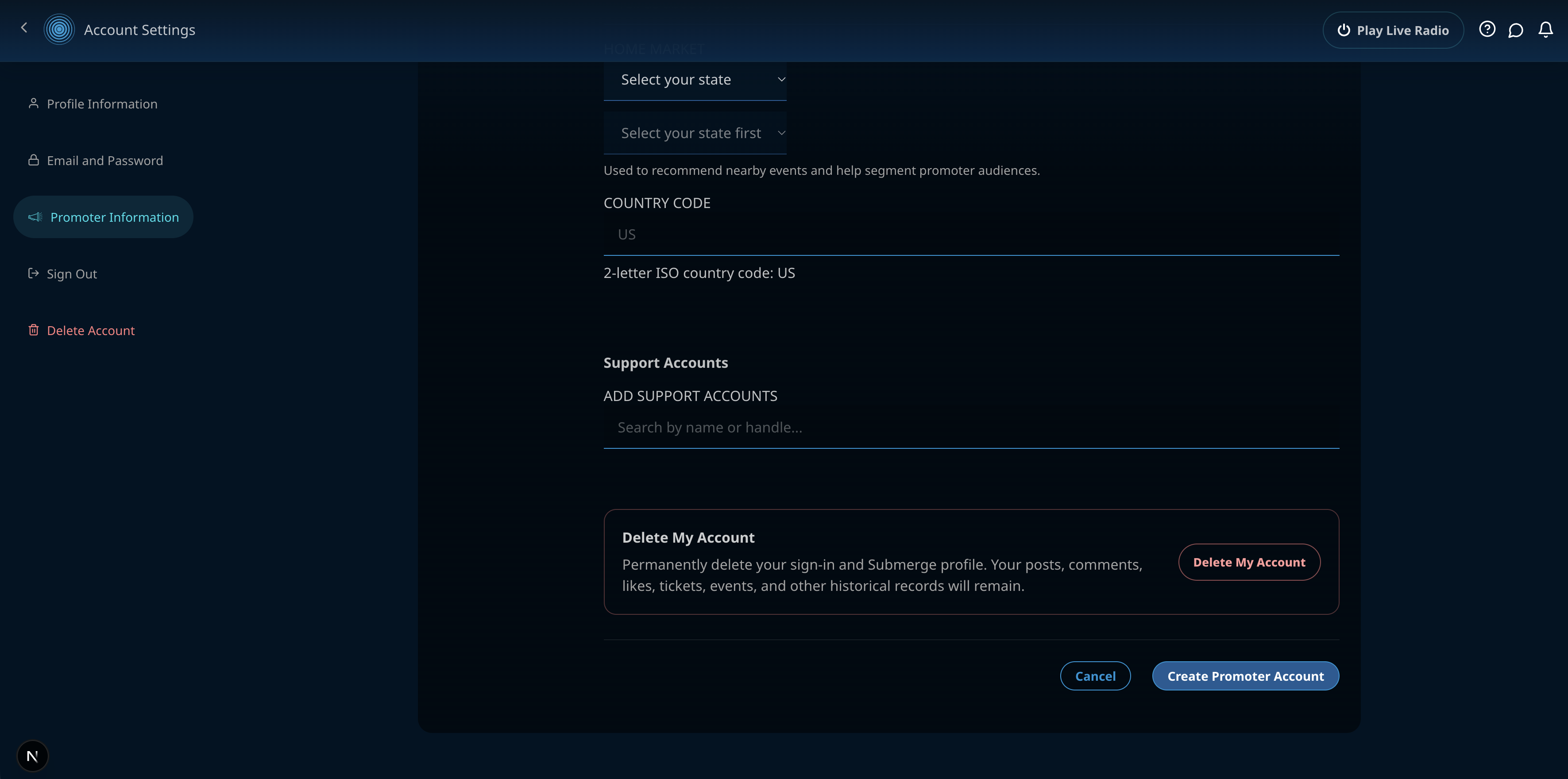
- Complete the promoter profile.Add the public promoter name, contact name, handle, bio, home market, and country code.
- Save the account.Select Create Promoter Account. Your promoter profile is now available for event attribution.
- Set up payouts for paid tickets.Choose Save & Start Stripe Setup (or the Stripe setup action) and complete the secure Stripe form. Stripe may request more information before payouts are enabled.
Team access
What are support accounts?
Support accounts are other Submerge users you add to your promoter account as trusted team members. They receive administrator access to that promoter account and the events tied to it.
- They can manage the promoter profile and add or remove other support accounts.
- They can access event admin tools, including event details, attendees, check-in, invitations, and communication.
- They can manage the connected Stripe payout setup, so only add people you trust with financial administration.
- They cannot delete your personal Submerge account or change its sign-in credentials.